Cabinet hardware buying guide
How to Prepare a Cabinet Hardware BOM
A clear bill of materials helps suppliers identify gaps early and quote each cabinet-hardware item against the correct drawing and quantity.
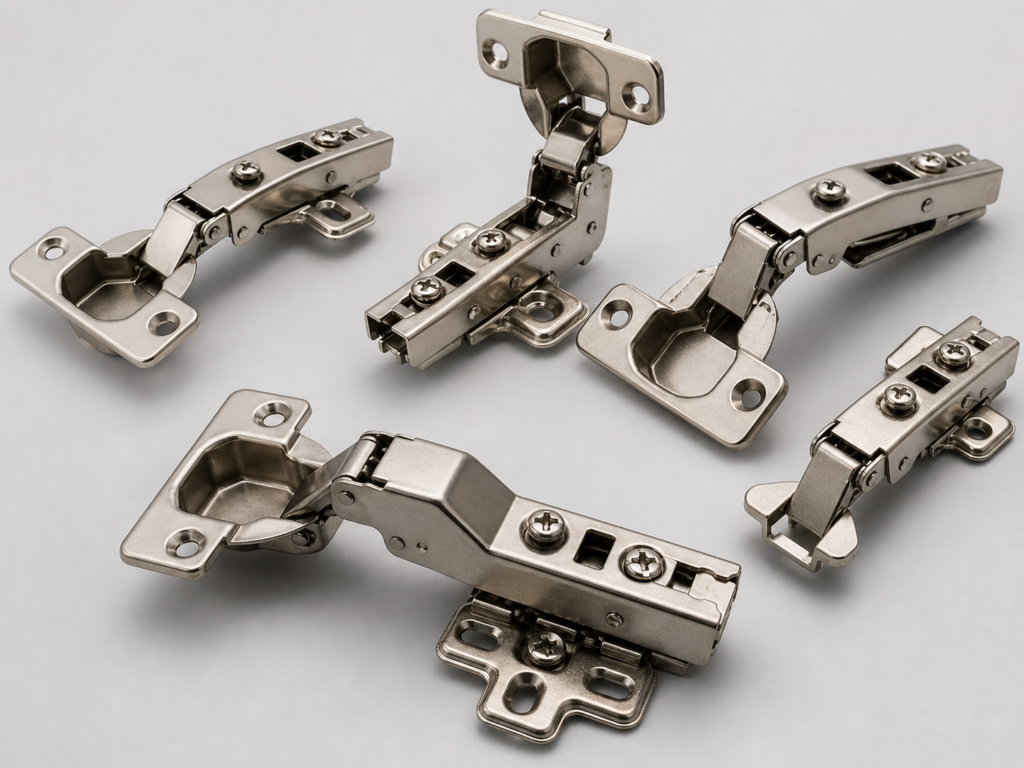
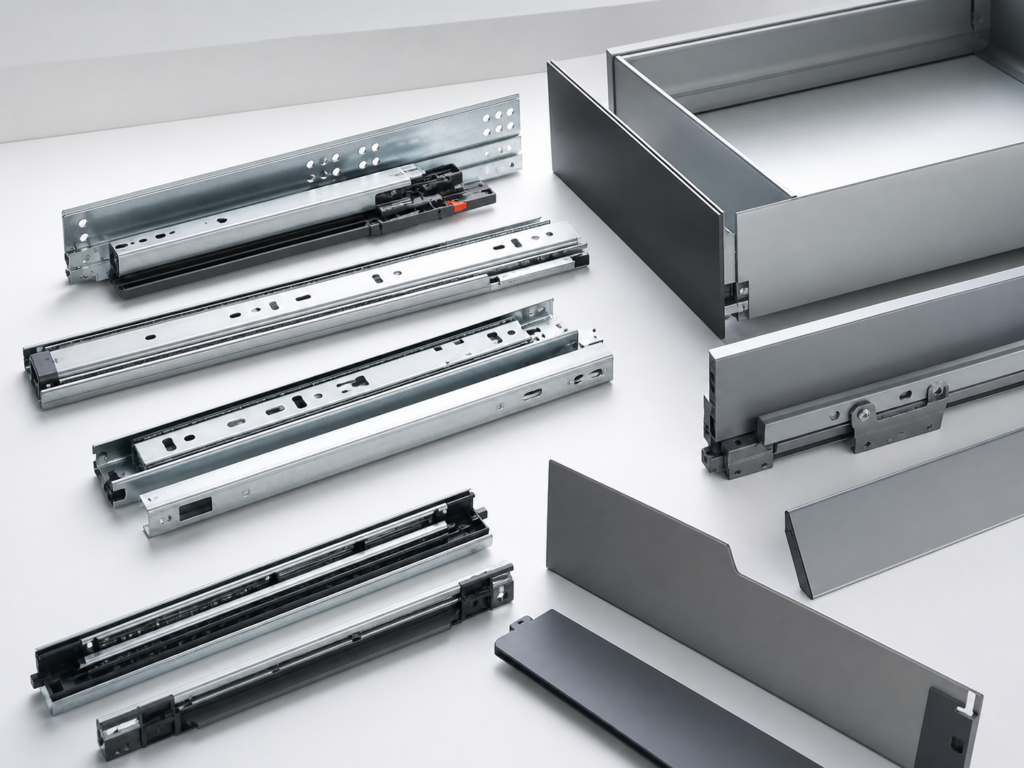
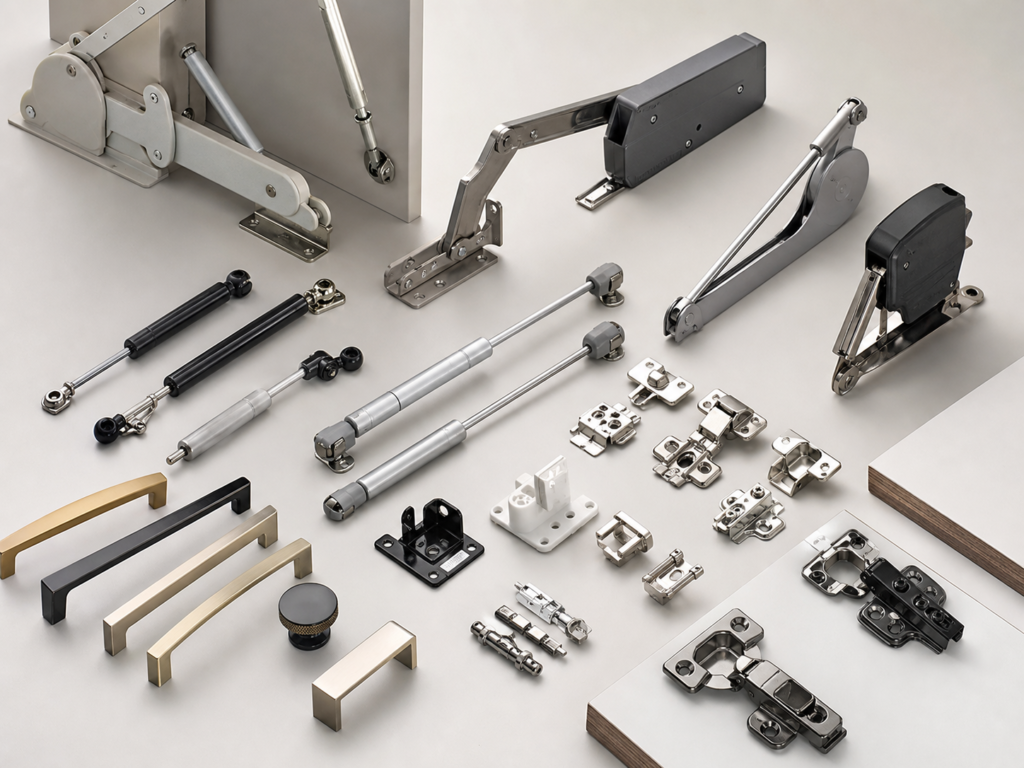
Give every item a unique reference
Use a stable item code for each hinge, plate, slide, drawer component, lift mechanism, handle, bracket and accessory. Do not use one reference for items with different sizes or finishes.
Keep the same reference across the BOM, drawings, sample labels and quotation revisions.
Include the specification fields
Add product type, dimensions, material, finish, function, load or application, included accessories, packing and quantity. Link each line to the relevant drawing or photo.
For cabinet-specific hardware, include the cabinet or room reference and quantity per cabinet as well as the project total.
Separate confirmed and open information
Mark unknown fields clearly instead of filling them with assumptions. Suppliers can then return a focused clarification list.
Use a revision number and date so all parties know which BOM is active.
Files to send
PDF is useful for review, while XLSX or CSV helps with quantities. DWG or DXF drawings can support dimensional checks. ZIP related files when the project contains many references.
Upload the BOM through the CabFitCo RFQ form for review.
Supplier evaluation
Compare quotations on specification, not unit price alone
Two cabinet-hardware quotations are only comparable when the product configuration is the same. Check dimensions, material, finish, mounting method, load or door data, closing function, accessories and packing quantity. A lower unit price may reflect a different model, missing accessories or lighter packing.
Ask the supplier to reference every quoted item to the drawing, BOM or target sample. Record open questions separately from confirmed specifications. This makes technical review faster and prevents an unconfirmed assumption from becoming part of the purchase order.
Quality Control
Define dimensions, function, finish, accessories and packing acceptance.
Packing and Shipping
Review labels, carton quantity, project marks and export preparation.
OEM and Custom
Prepare private-label artwork, item codes and sample packing.
Order control
Use approved samples and stable item references
Before bulk production, confirm a sample or a documented reference for each important configuration. The approval record should include the item code, revision date, drawing, finish, accessory pack and packaging format. Photos are useful supporting evidence, but dimensions and functional requirements should remain the primary reference.
For repeat orders, keep the approved item code unchanged unless the specification changes. If a substitution is proposed, review it as a new configuration instead of assuming equivalence. Stable references improve receiving checks, reduce installation questions and help purchasing teams compare later quotations.
For a drawing-based quotation, send the available PDF, DWG, DXF, product photo, BOM and quantity through the CabFitCo RFQ form. Include the destination market and required delivery schedule so packing and consolidation can be reviewed with the product specification.
Need a project quotation?
Send the target specification, drawing or BOM for a model-by-model review.